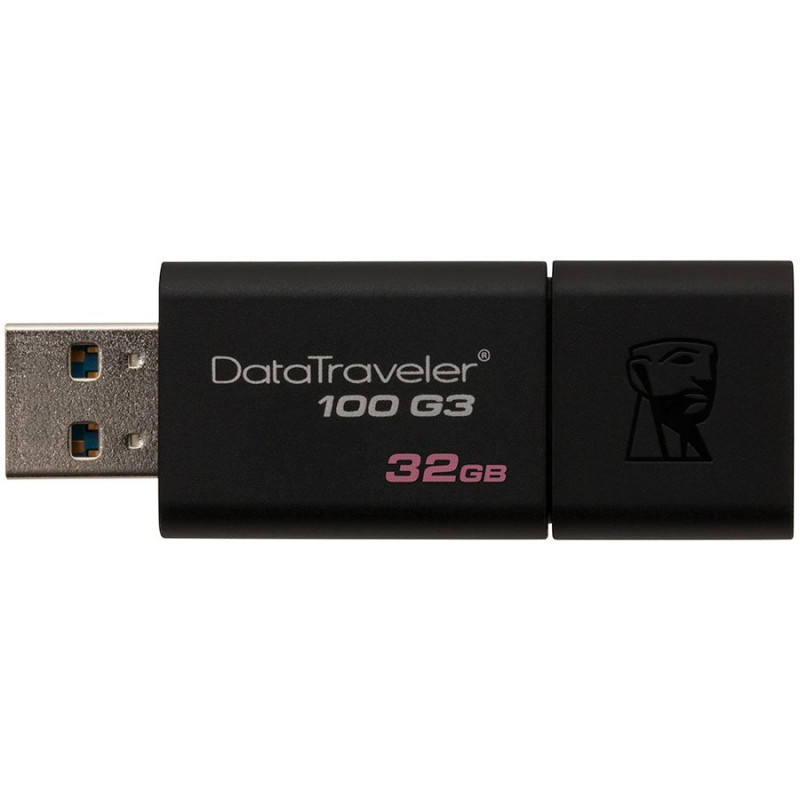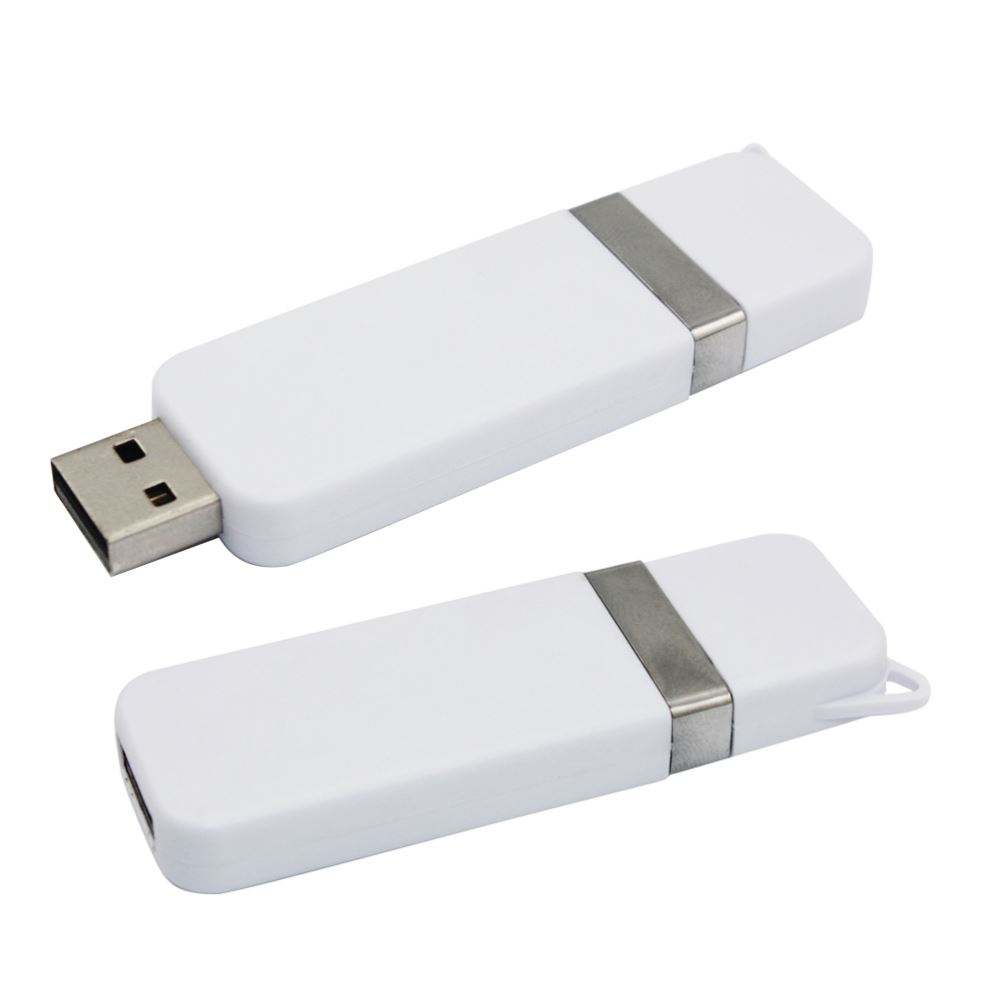
USB flash drives remain the simplest way to transfer files between machines, run installers, or deliver data to a client. We supply known-brand drives in a range of capacities, plus SD and microSD cards for cameras and mobile devices.
For business use, we recommend known-brand drives rather than cheap generics: a flash drive that fails mid-presentation costs far more than the small saving. We stock drives suitable for bootable installers, client deliveries and everyday file transfer, and memory cards for cameras and tablets.
Known-brand drives and cards sourced through authorised channels, so they read at full speed and keep your data safe.
From 32GB installers to 256GB hand-offs and SD/microSD for cameras, all available in one place.
If a key will not mount or a card will not read, we sort it rather than point you to an online form.
Practical guidance for buying, securing and deploying portable storage across a business.
USB 3.2 Gen 1 delivers up to 5 Gbps, Gen 2 up to 10 Gbps, and USB4 up to 40 Gbps. The marketing figure is a peak; what matters for business is sustained write speed after the cache fills. We stock drives with verified sustained ratings, which is the right metric for moving VM images, backup sets or large media files between machines.
Yes, whenever a drive leaves your premises carrying identifiable data. Hardware-encrypted models with PIN or fingerprint unlock keep the contents inaccessible if the device is lost, and this is the standard control expected under the Australian Privacy Act for portable storage of personal information. We can supply FIPS 140-2 validated drives for regulated industries.
Flash is a transport medium, not an archive. Without power, retention is typically one to ten years depending on temperature, write-cycling and controller quality, and budget drives degrade sooner. For compliance or long-term retention we recommend a managed NAS or cloud copy with the USB drive reserved for transport between sites.
Older laptops use USB-A ports and may lack the alternate-mode or power-delivery support a USB-C-only drive expects. A USB-C to USB-A adapter solves the physical fit but does not add speed the port does not have. We match the connector and protocol to your fleet so the drive works on day one.