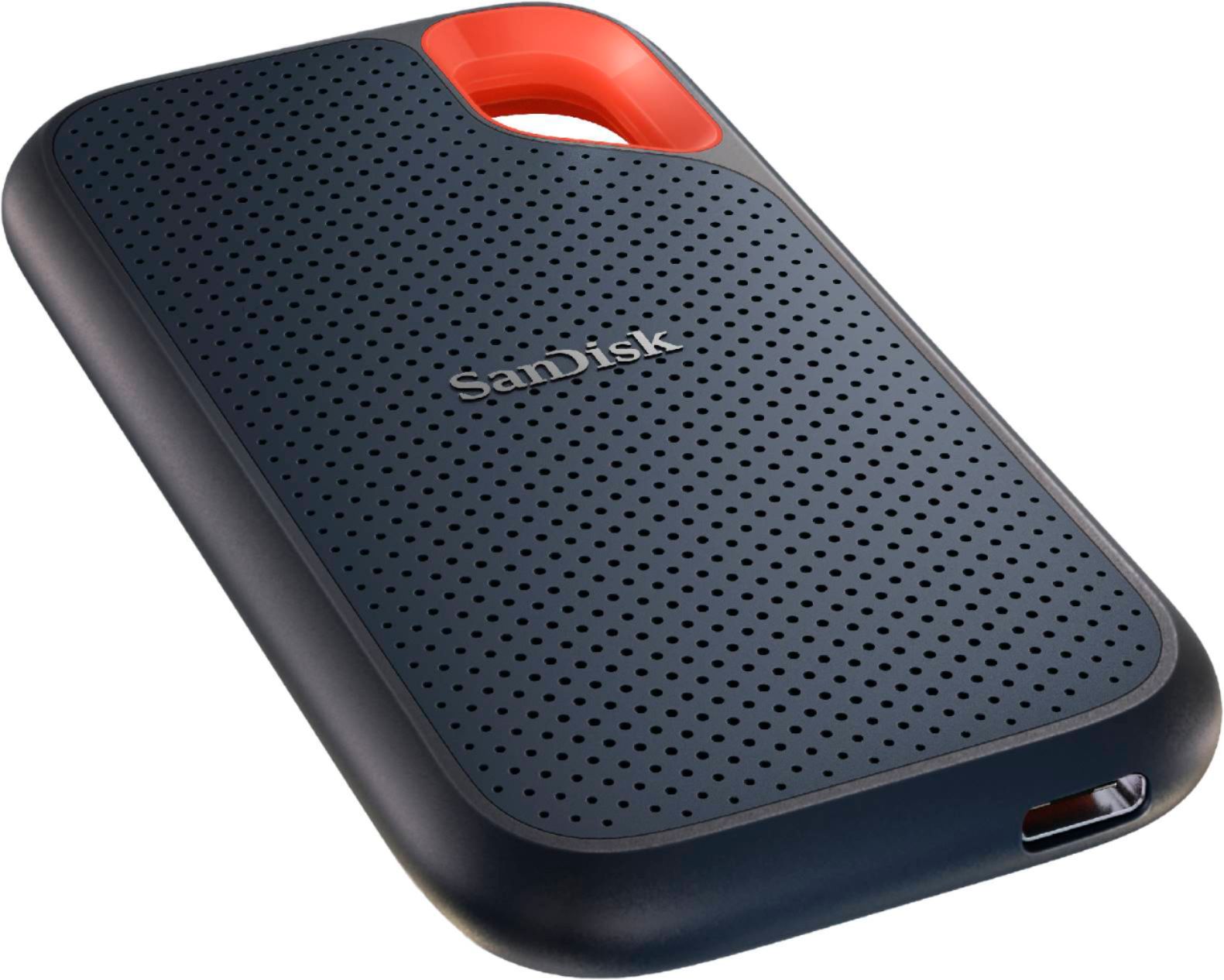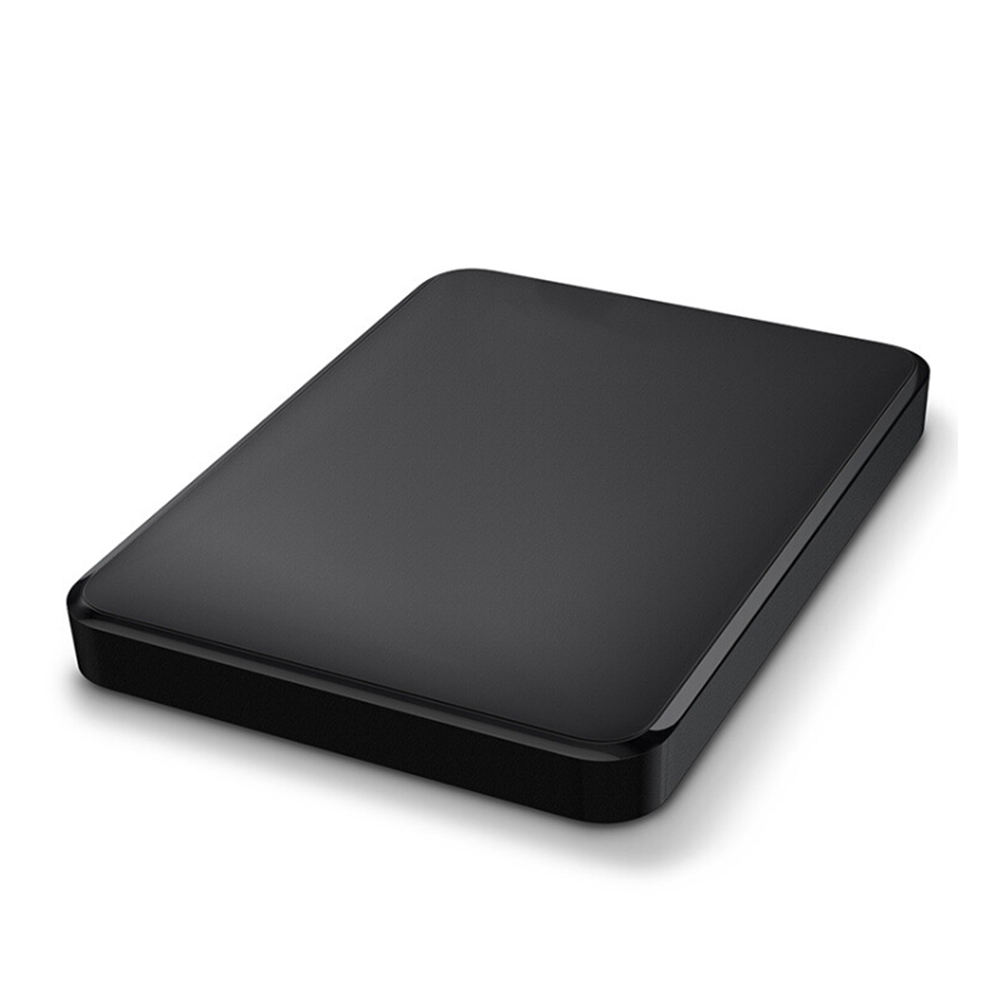
External drives are the simplest way to back up important files or move large projects between machines. We supply portable USB drives that draw power from the port, and larger desktop drives for stationary backup. For studios and offices, a 3-2-1 backup strategy starts with a reliable external drive.
Choose a portable drive for on-the-go file transport; choose a larger desktop drive for automatic backups that stay on-site. We can recommend capacity based on your data: a typical office document set fits comfortably in 1TB, while video and photo projects often need 4TB or more.
Branded portable and desktop drives with real warranty, not no-name enclosures.
USB 3.2 and NVMe options move large media and virtual-machine images quickly.
We help you pick between portability, capacity and speed for your workflow.
Choosing between portable and desktop storage, and building a backup that actually restores.
For everyday backup, bootable images and transporting working files, an external SSD is faster, shock-resistant and silent, and is now price-competitive at common capacities. A spinning hard drive still wins on cost per terabyte for cold archival. We help you split the two roles rather than buying one drive that does neither well.
Thunderbolt 4 doubles the practical bandwidth of USB 3.2 Gen 2 and daisy-chains peripherals, which matters for 4K video and large media workflows. For document and image backup, USB 3.2 is plenty. We match the interface to the workload and to the ports your machines actually have.
Follow the 3-2-1 principle: three copies, two media, one off-site. An external drive is one copy; pair it with cloud or NAS and a tested restore procedure. We can pre-configure imaging or backup software so the first backup runs the day the drive arrives.
Desktop drives offer higher capacity and usually their own power, suiting office NAS-style backups, while portable drives draw from the laptop and travel easily. For a fixed backup station, desktop; for field staff, portable SSD.