Are you a Corporate Client or Need System Integration? Log in to our Embody Partner Portal for custom pricing

Tablets

Tablets for retail, clinical, presentation and home use, with cases and keyboards.

Tablets for Business and Home

Tablets sit between a phone and a laptop: lighter for reading, signing and on-site data entry, but they pair well with a detachable keyboard when you need to type. Retail counters, clinical note-taking and digital presentations are the common business uses. We supply tablets suitable for point-of-sale, clinical forms and home entertainment, and can bundle a case, screen protector and keyboard together.

What to Look For

Choose the operating system your staff already know, confirm the stylus support for signing documents, and decide whether a physical keyboard is needed. Standardising on one model across a team makes cases and chargers interchangeable and support far simpler.

Home » Tablets
tablets.html product

Tablets for Business and Home

Tablets fill the gap between a phone and a laptop: they are lighter than a notebook, better for reading, signing and on-site data entry, and pair well with a detachable keyboard when you need to type. We supply tablets suitable for retail point-of-sale, clinical note-taking, digital presentations, and home entertainment.

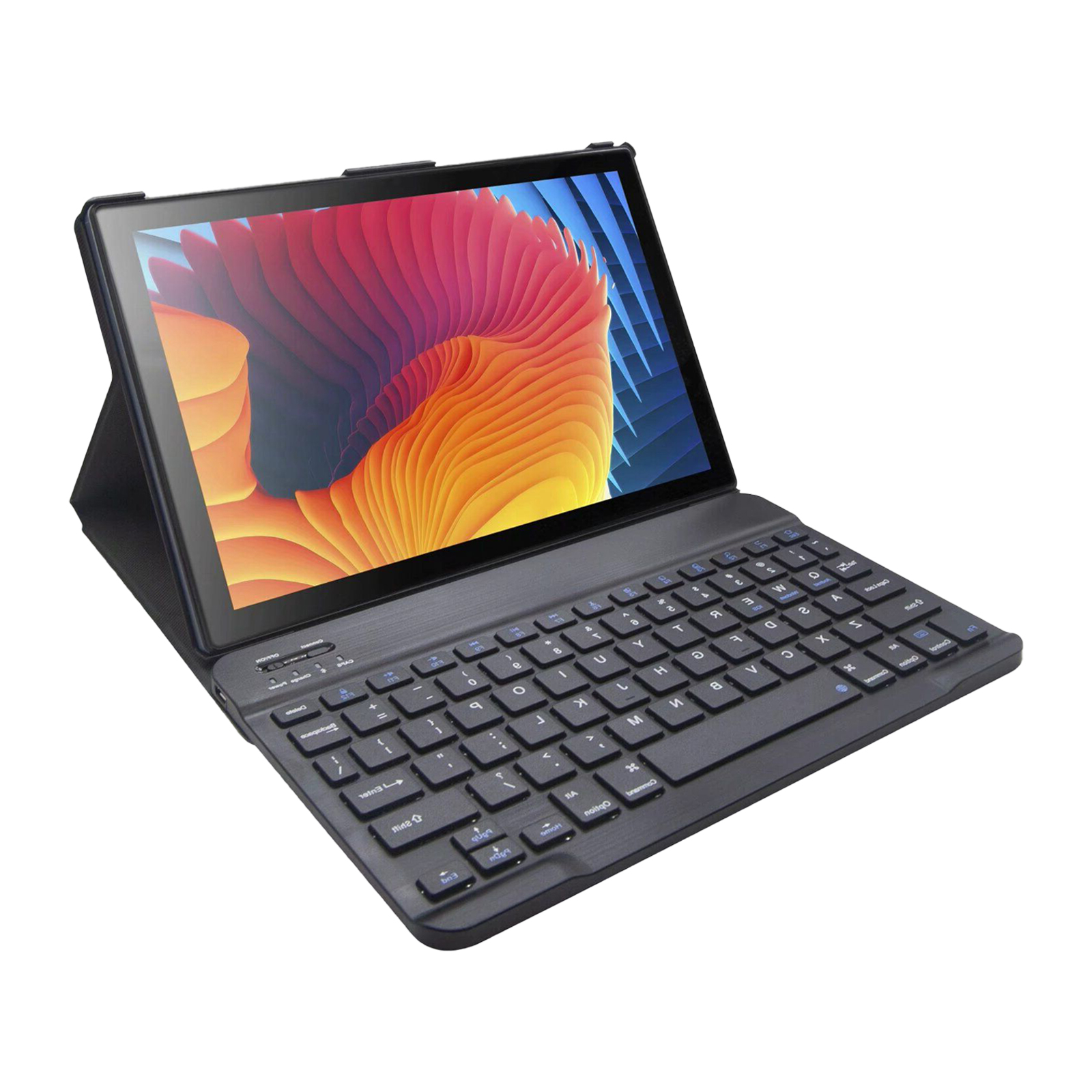
When choosing a tablet for business, consider the operating system, the stylus support, and whether you need a physical keyboard. Retail and clinical environments often standardise on a single model so accessories and cases are interchangeable. We can supply the tablet, a case, a screen protector and a keyboard together as a kit.

Why buy tablets from Embody IT

Genuine, business-ready

iPad and Android tablets with Australian warranty and optional keyboards.

Set up before delivery

We can pre-load apps, email and MDM so devices arrive work-ready.

Right size and storage

Help choosing between 11 and 13 inch, and Wi-Fi versus cellular.

How to choose the right tablet

  • Decide Wi-Fi only versus cellular based on where it will be used.
  • 128GB is the sweet spot for most; 256GB+ for offline media.
  • Add a keyboard case if it will replace a laptop for light work.
  • For fleets, standardise the model and storage to ease management.

Products in this category

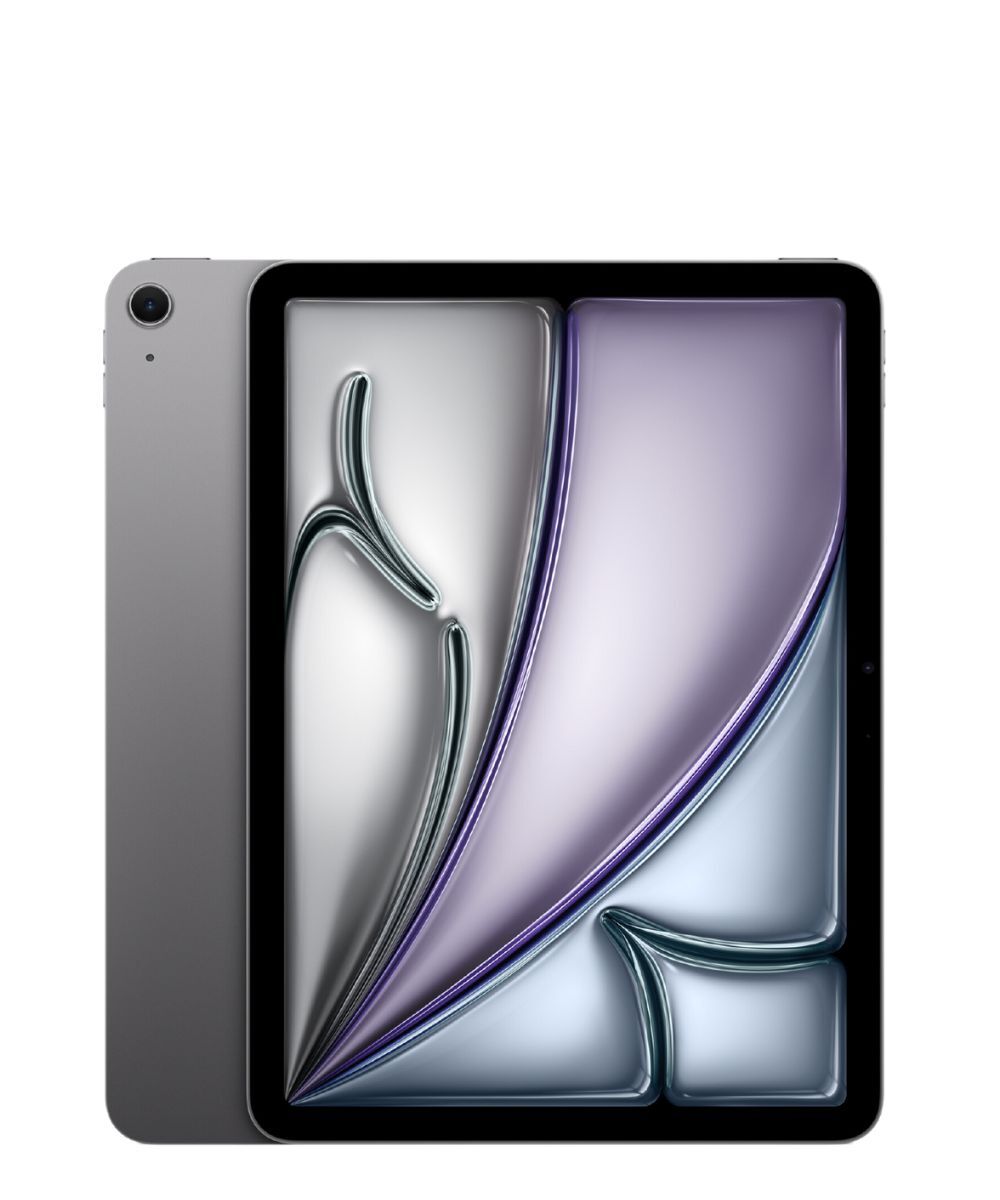
Apple iPad Air 13" M2 128GB Wi-Fi
Apple
iPad Air 13" M2 128GB Wi-Fi
MPN: IPADAIR13-128
$1099.00$999.00
Apple iPad 10.9" 64GB Wi-Fi Silver
Apple
iPad 10.9" 64GB Wi-Fi Silver
MPN: IPAD10-64
$699.00$649.00

Frequently asked questions about tablets

iPad and business tablets: connectivity, deployment and lifecycle.

Wi-Fi or cellular for a business tablet?

Wi-Fi suits fixed locations and saves on data plans; cellular suits field staff who cannot rely on venue Wi-Fi. For roaming teams we recommend cellular with a managed data plan, and we can pre-configure the SIM and MDM before handover.

How do we deploy many tablets consistently?

Use Apple Business Manager or equivalent with mobile device management so apps, restrictions and Wi-Fi profiles push automatically. We supply devices already enrolled, so the user opens the box and the tablet is already configured to policy.

Is a stylus worth specifying for business use?

For signatures, annotations, field notes and design review, a pressure-sensitive stylus is a genuine productivity gain. We bundle the correct first-party stylus and screen protector so it is not an afterthought purchase.

What about tablet security and lost-device wipe?

With MDM you can enforce passcodes, containerise business data and remotely wipe a lost device. We set this up as part of deployment so a stolen tablet exposes nothing.