A regional medical clinic needed to upgrade eight workstations and replace ageing clinical printers ahead of a practice management software release. The clinic had limited after-hours access, could not afford downtime during consulting hours, and required that every workstation retain access to patient records and scheduling. Cabling in the patient corridor had been run loosely along skirting boards and needed to be dressed safely.
We supplied eight business-tier desktops, two network clinical laser printers, and a small managed switch. All workstations were configured off-site with the clinic's practice management software profile, mapped drives and email. On-site installation was scheduled for a Saturday morning, with each workstation swapped and verified in under forty minutes. Loose cables in the patient corridor were re-run inside cable trunking to meet clinical safety standards.
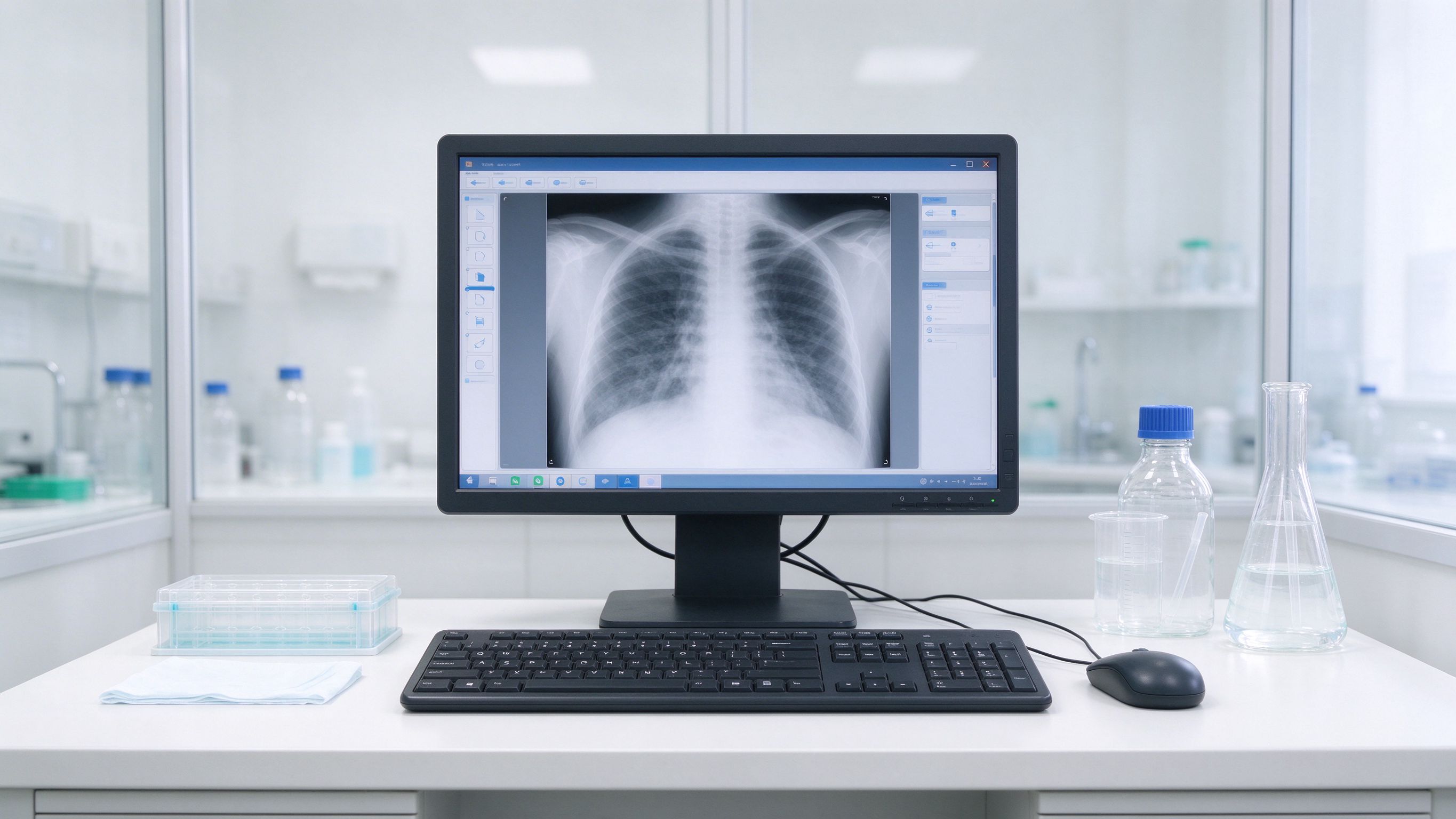
The existing printers used a legacy protocol that the new release no longer supported, so we selected network printers with modern drivers and confirmed compatibility with the practice software vendor before purchase. We also discovered that two wall ports were wired to a dead switch port; we re-patched them and tested link lights at both ends.
The clinic now has a documented hardware baseline and a rolling support arrangement for future updates.
Whether you are planning a rollout, weighing options, or just want a second opinion, our team is happy to help - no pressure, no pushy sales.
More from Embody IT: Insights · Case Studies · FAQs
Clinical safety, downtime control and records continuity.
We configure machines off-site with the practice-management profile, mapped drives and email, then swap on a Saturday with each workstation verified in under forty minutes.
Loose corridor cables are re-run inside trunking to clinical standards, removing trip and infection-control risks.
Each workstation is built to retain mapped drives and application access, so clinicians log in to the same environment on new hardware.
Yes. We supply and configure network clinical printers as part of the same coordinated rollout.