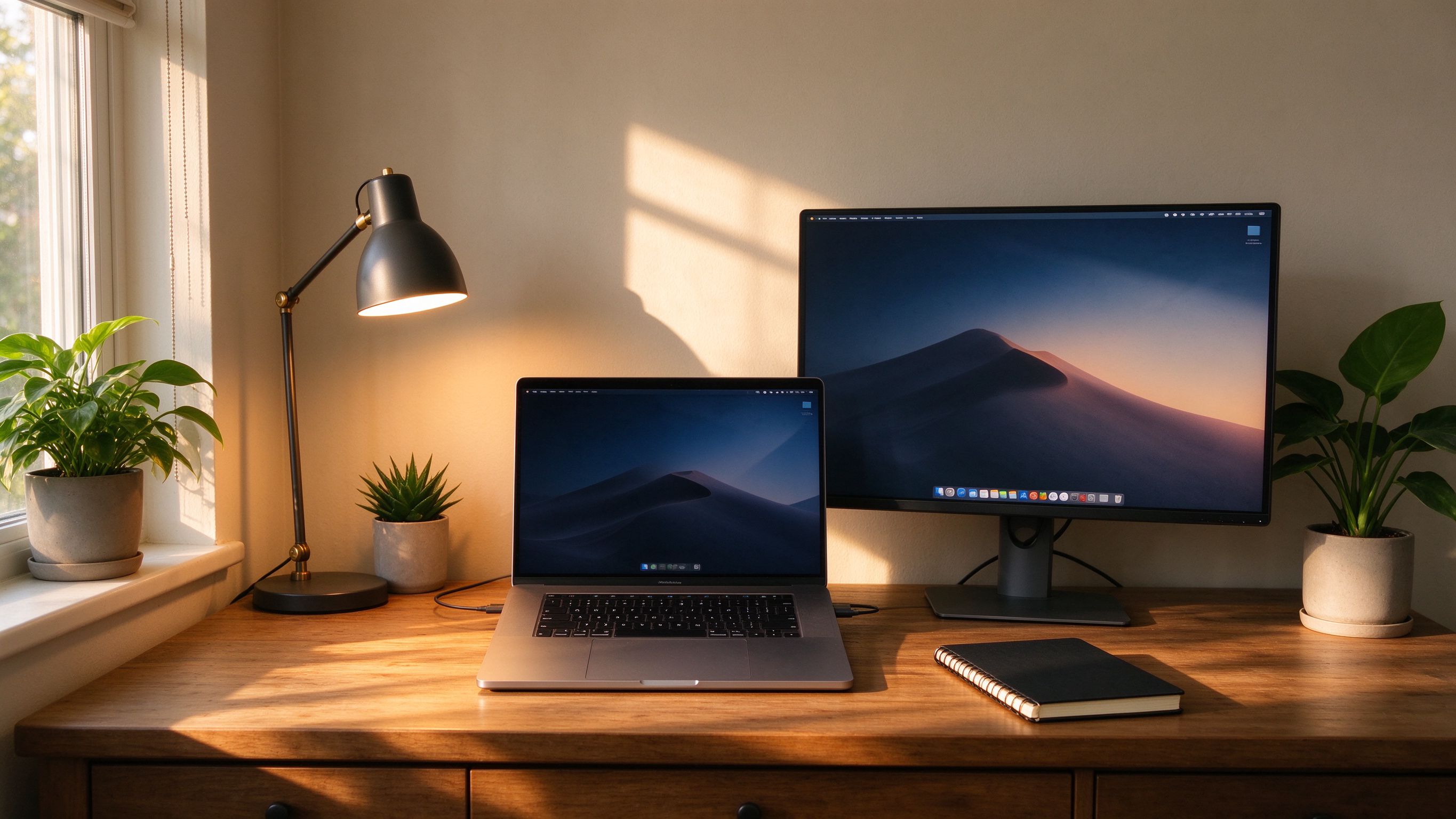
A home office does not need to be expensive, but it does need to be right. The cheapest mistake is working on a laptop screen at lap height, which wrecks posture and reduces screen real estate. A monitor at eye level, on a stand or arm, immediately makes the space feel professional.
Docking matters. A single cable that connects power, display and peripherals removes the friction of setting up every morning. Audio is the next thing: a headset with a decent microphone makes calls clearer than the built-in laptop mic, and a small webcam that sits at eye level beats one perched on top of a screen looking up your nose.
Our recommended remote-work starter pack is a business laptop, a 24-inch monitor, a dock, a webcam and a headset. Add an external keyboard and mouse if you spend all day typing. This is the same kit we deploy for our own remote-worker program, and it is the setup we would buy for ourselves.
Whether you are planning a rollout, weighing options, or just want a second opinion, our team is happy to help - no pressure, no pushy sales.
More from Embody IT: Insights · Case Studies · FAQs
Ergonomics, docking and call quality that look professional.
A monitor at eye level on a stand or arm with an external keyboard and mouse. It fixes posture and screen real estate at once, and costs little.
One cable for power, display and peripherals removes the daily setup friction and the forgotten charger. We kit a single-cable dock matched to the laptop.
A headset with a decent microphone beats the laptop mic, and a small webcam at eye level beats one perched on top of the screen. Lighting in front of you, not behind.
Yes. We assemble a matched bundle, monitor, dock, keyboard, mouse, headset and webcam, pre-checked to work together, so remote staff get a consistent setup.